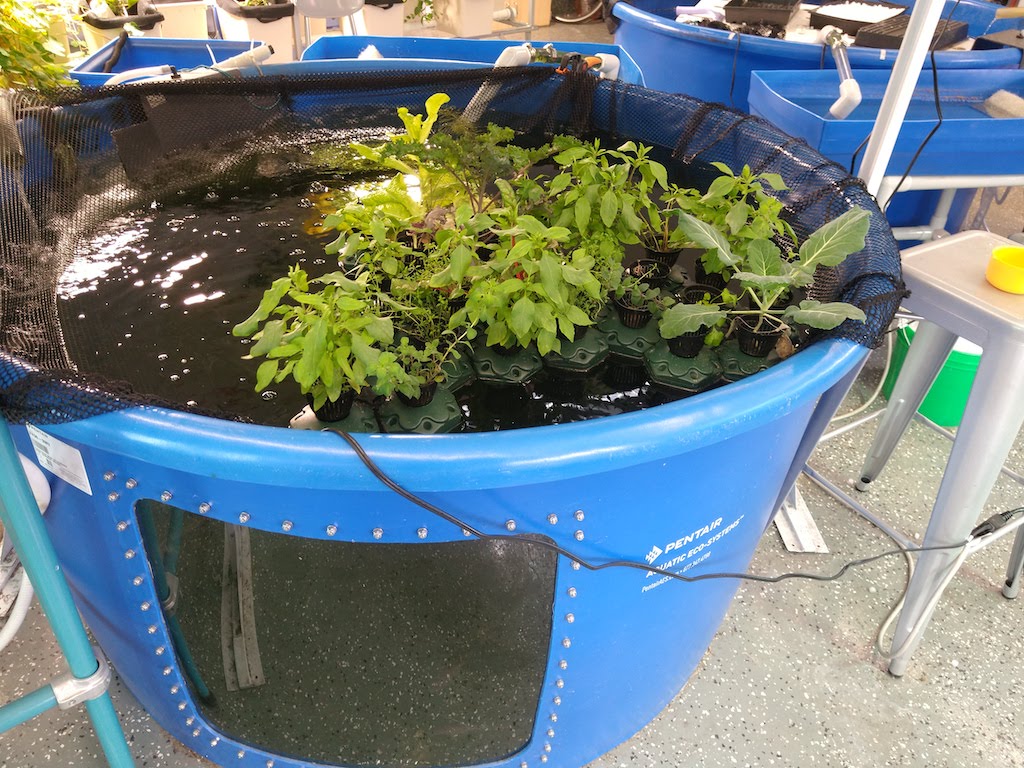
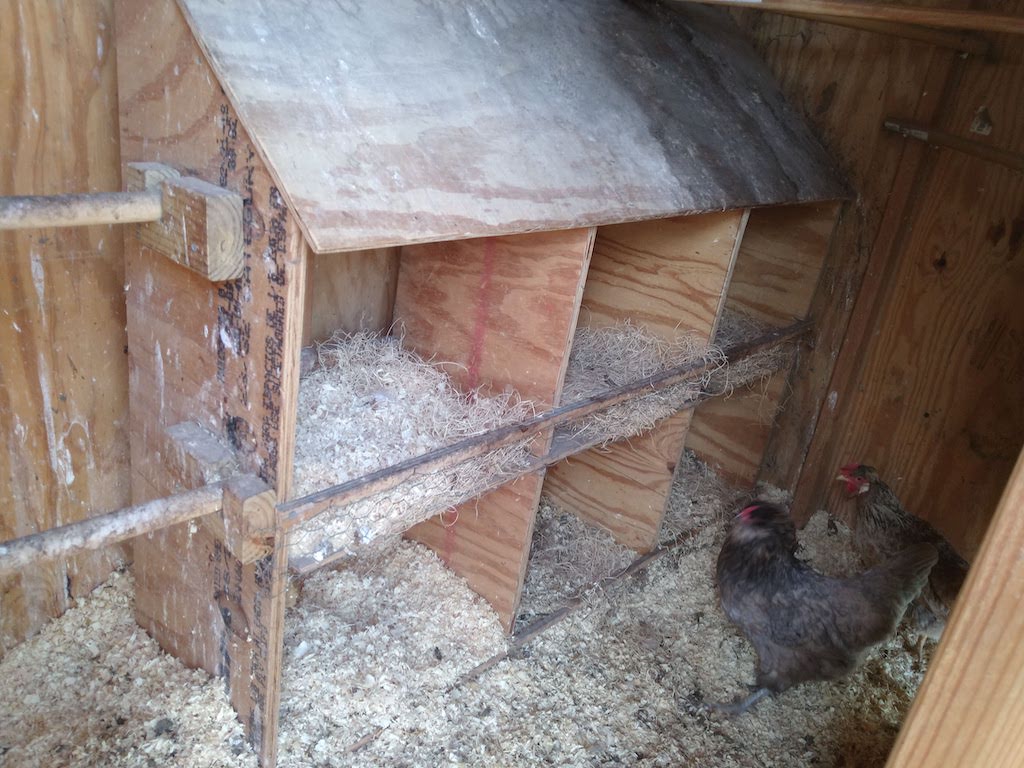
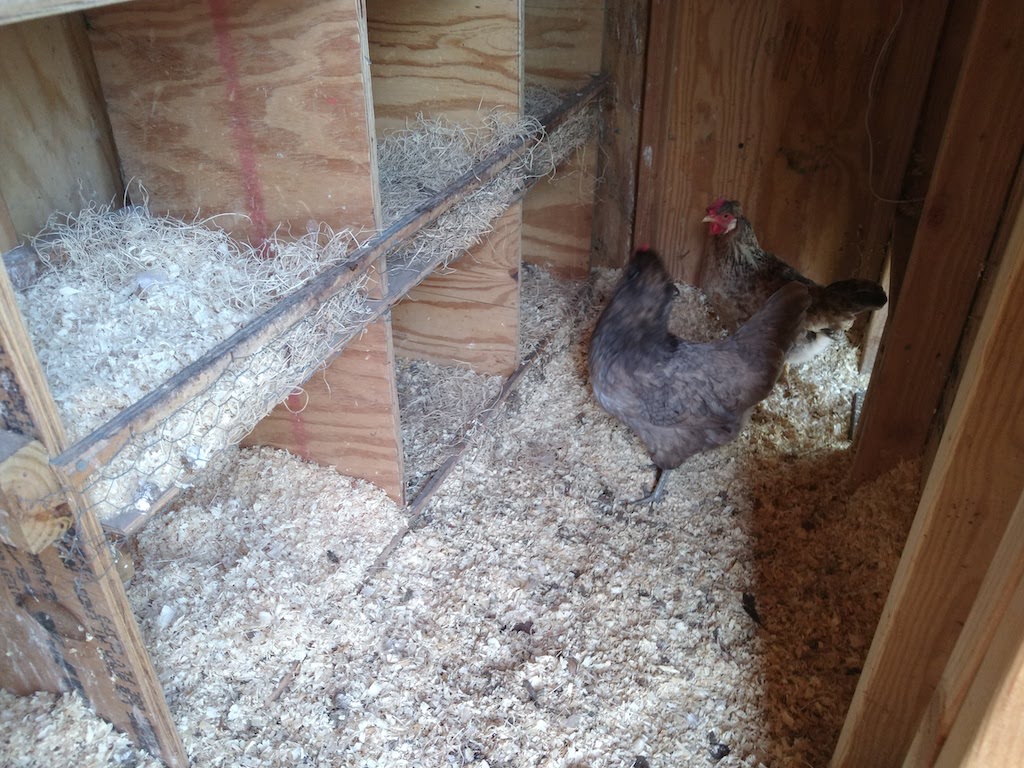
I spent the day in the Bronx. Indoor hydroponics for vegetables, aquaculture for fish, and a couple of yard birds for the eggs.
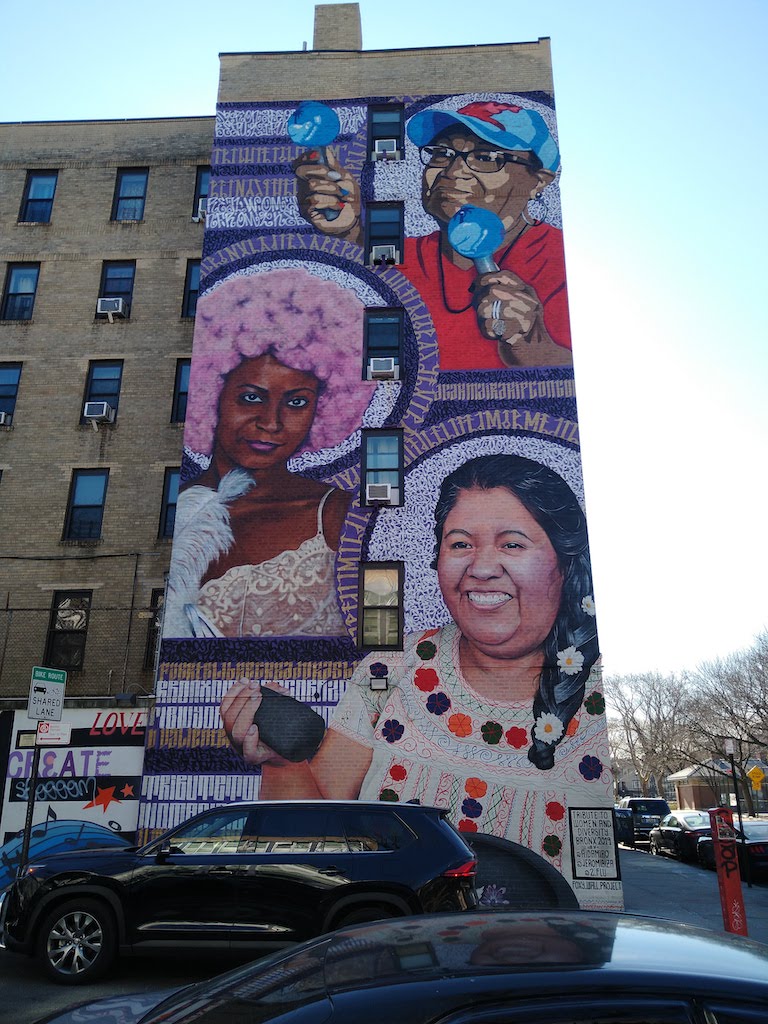
Plus, a building-high mural of local celebrities!






District Coach on the Go
12 Feb 2024 Leave a comment
I spent the day in the Bronx. Indoor hydroponics for vegetables, aquaculture for fish, and a couple of yard birds for the eggs.
Plus, a building-high mural of local celebrities!
23 Jan 2024 Leave a comment
I spent the day at 79M. Here are some things I saw and did.


22 Dec 2023 Leave a comment
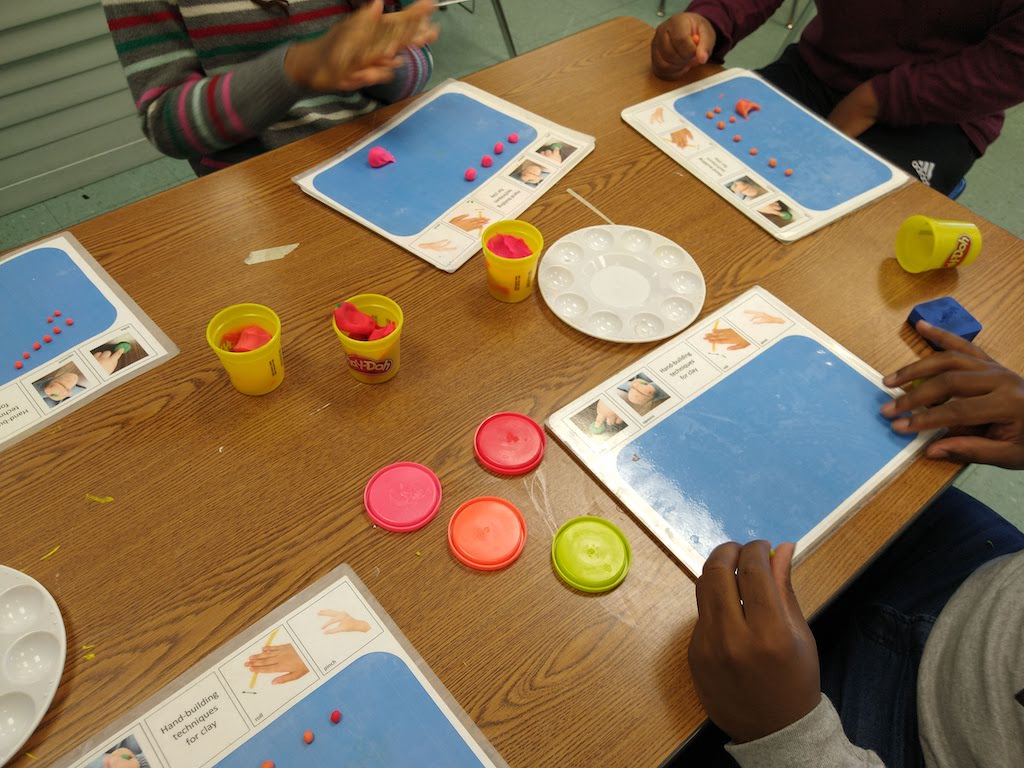
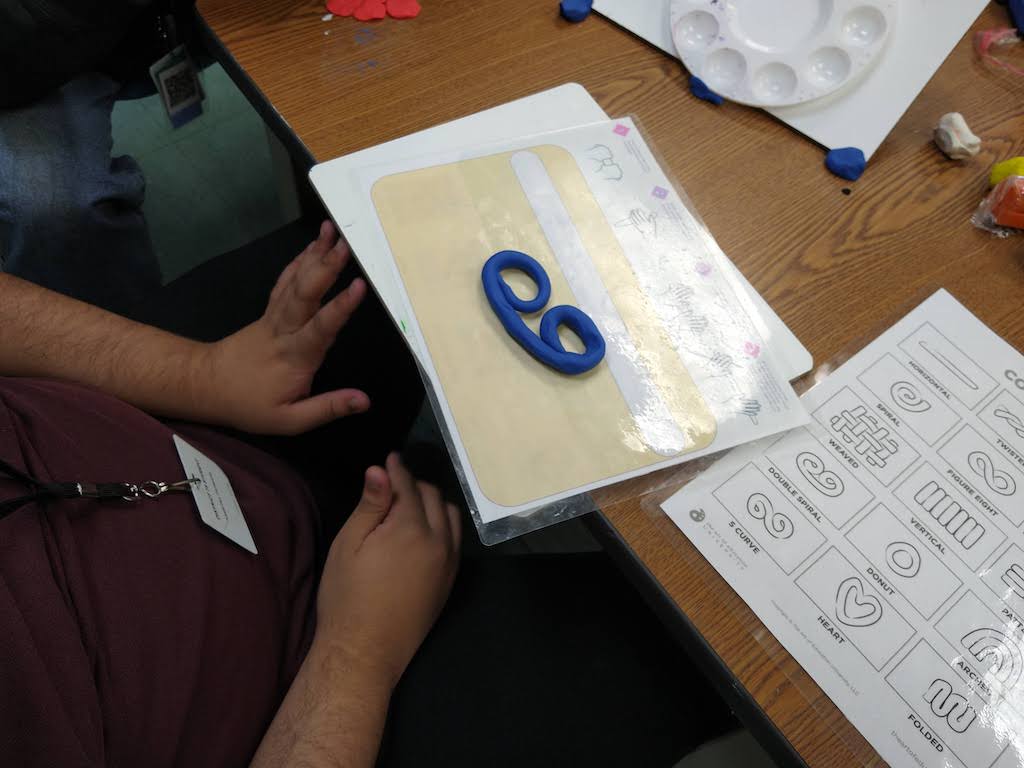
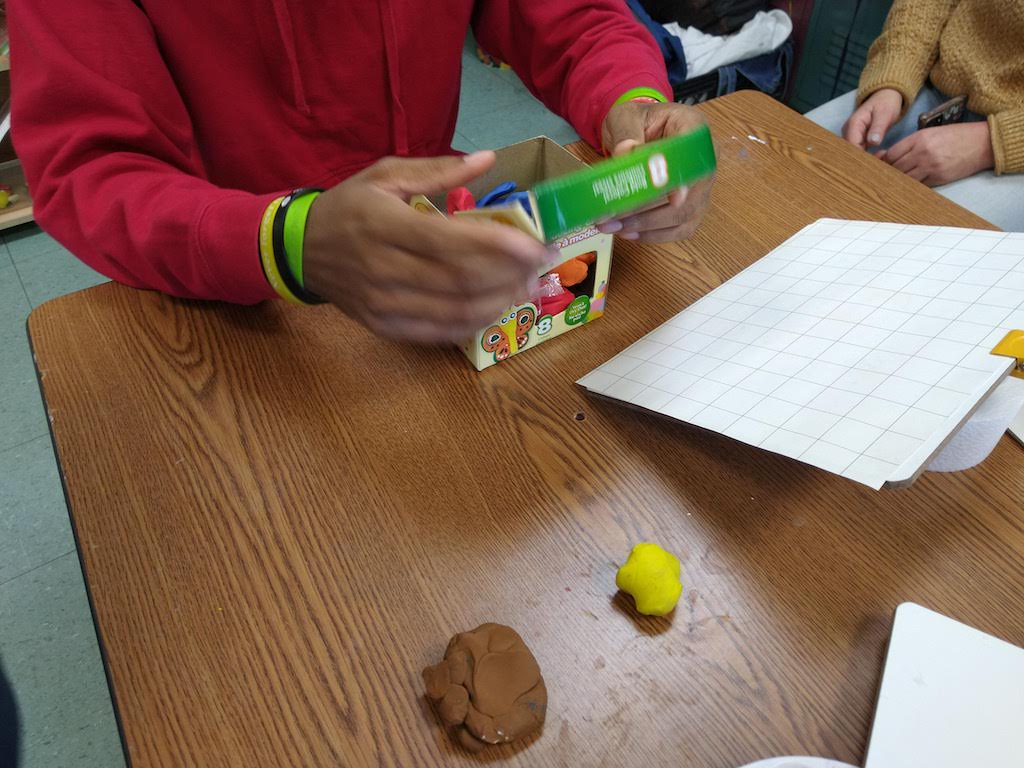
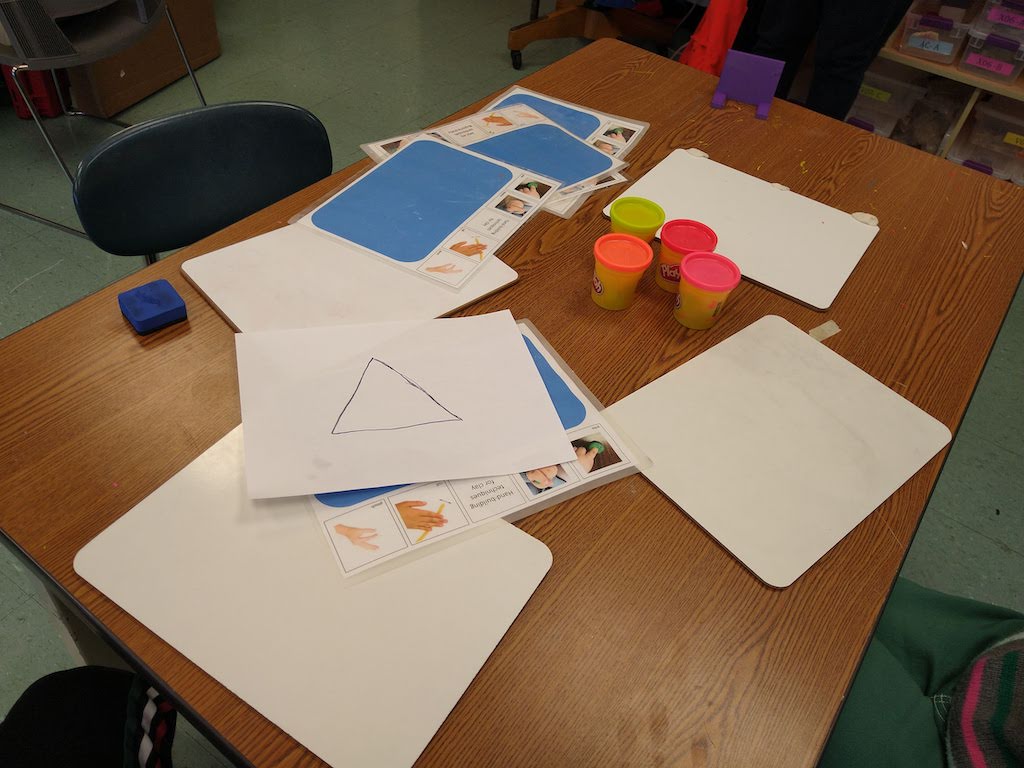
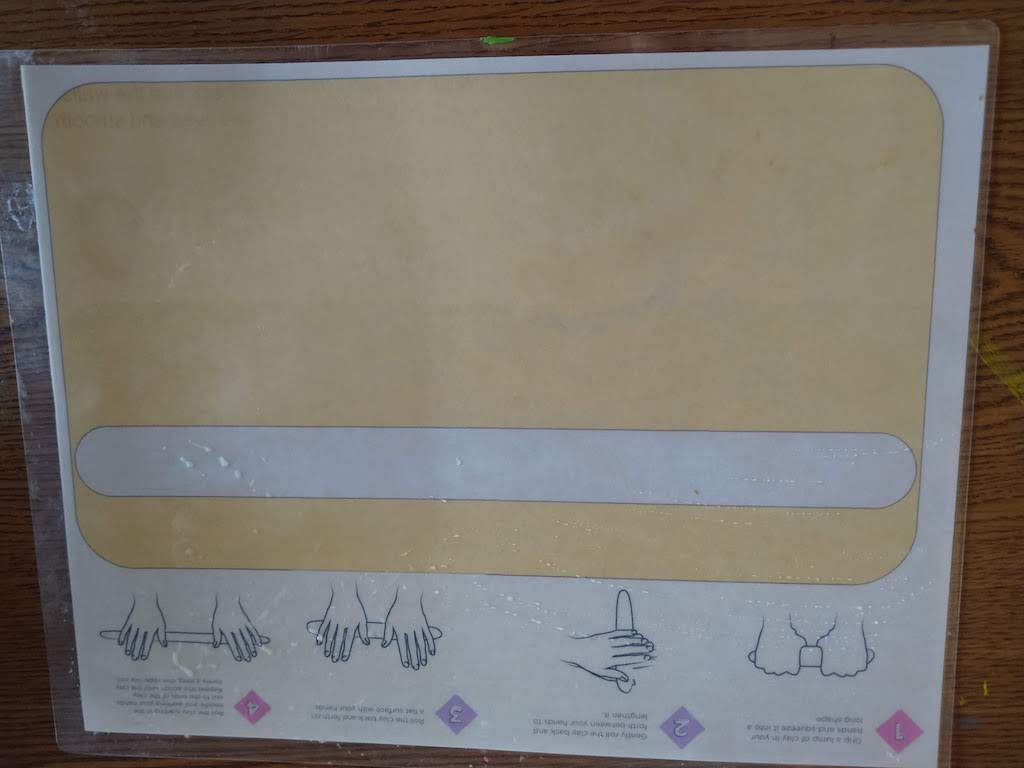
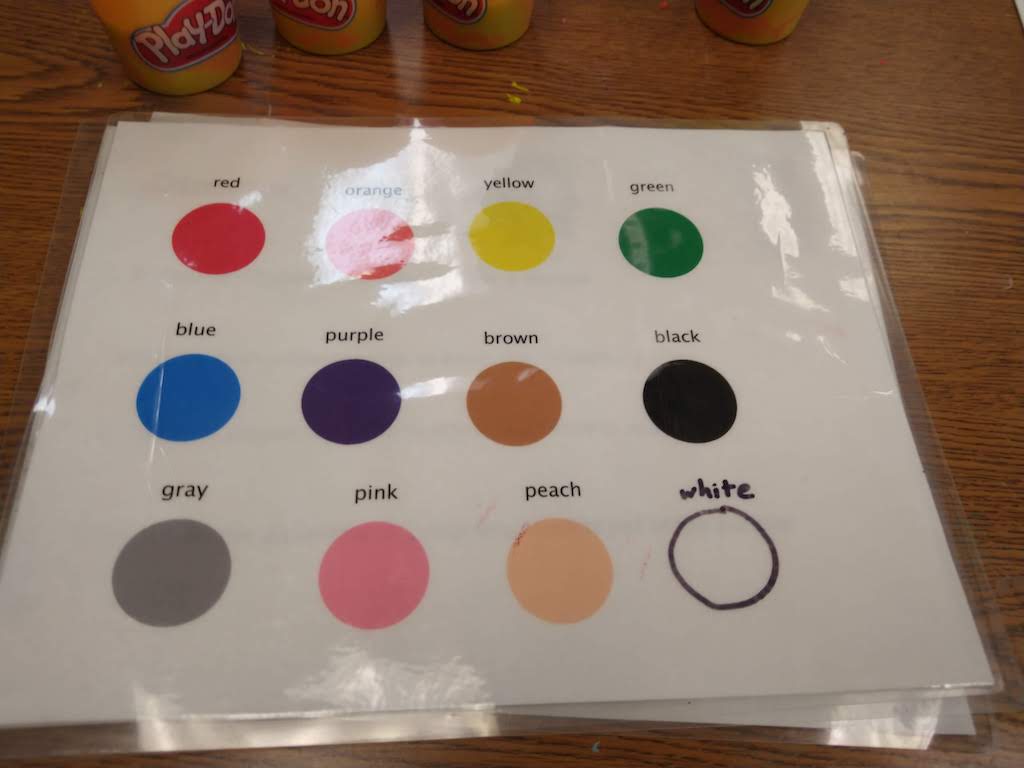
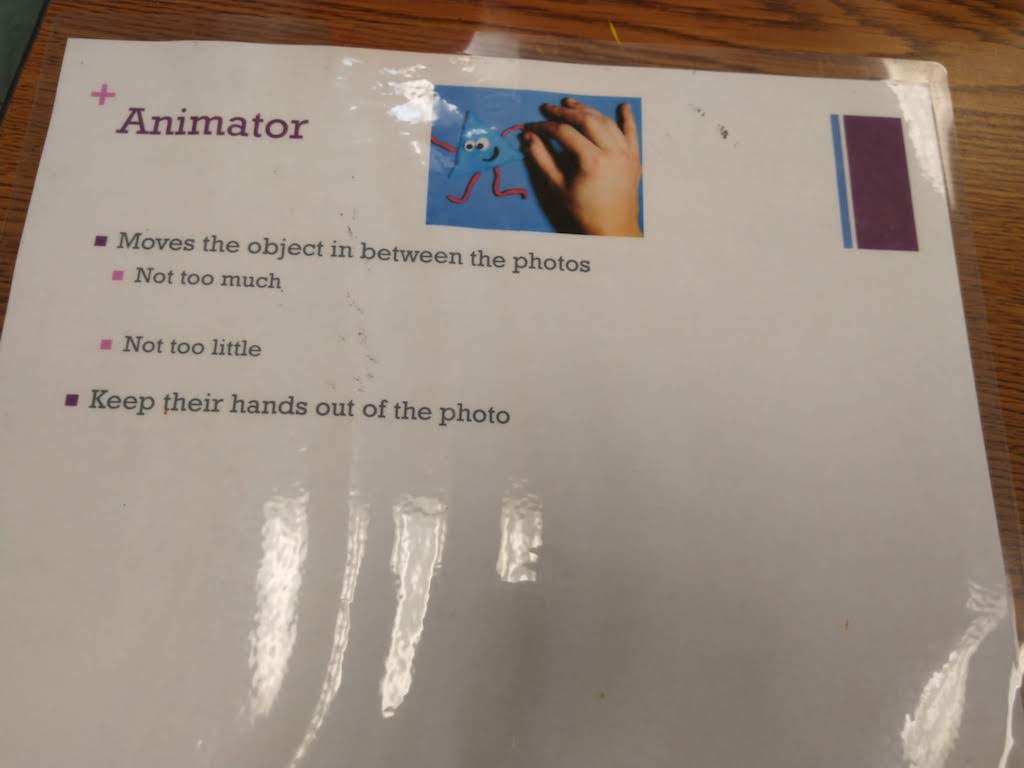
We used clay and play-doh to make objects for the stop-motion animation videos. Here the students are working with the media.









20 Oct 2023 Leave a comment
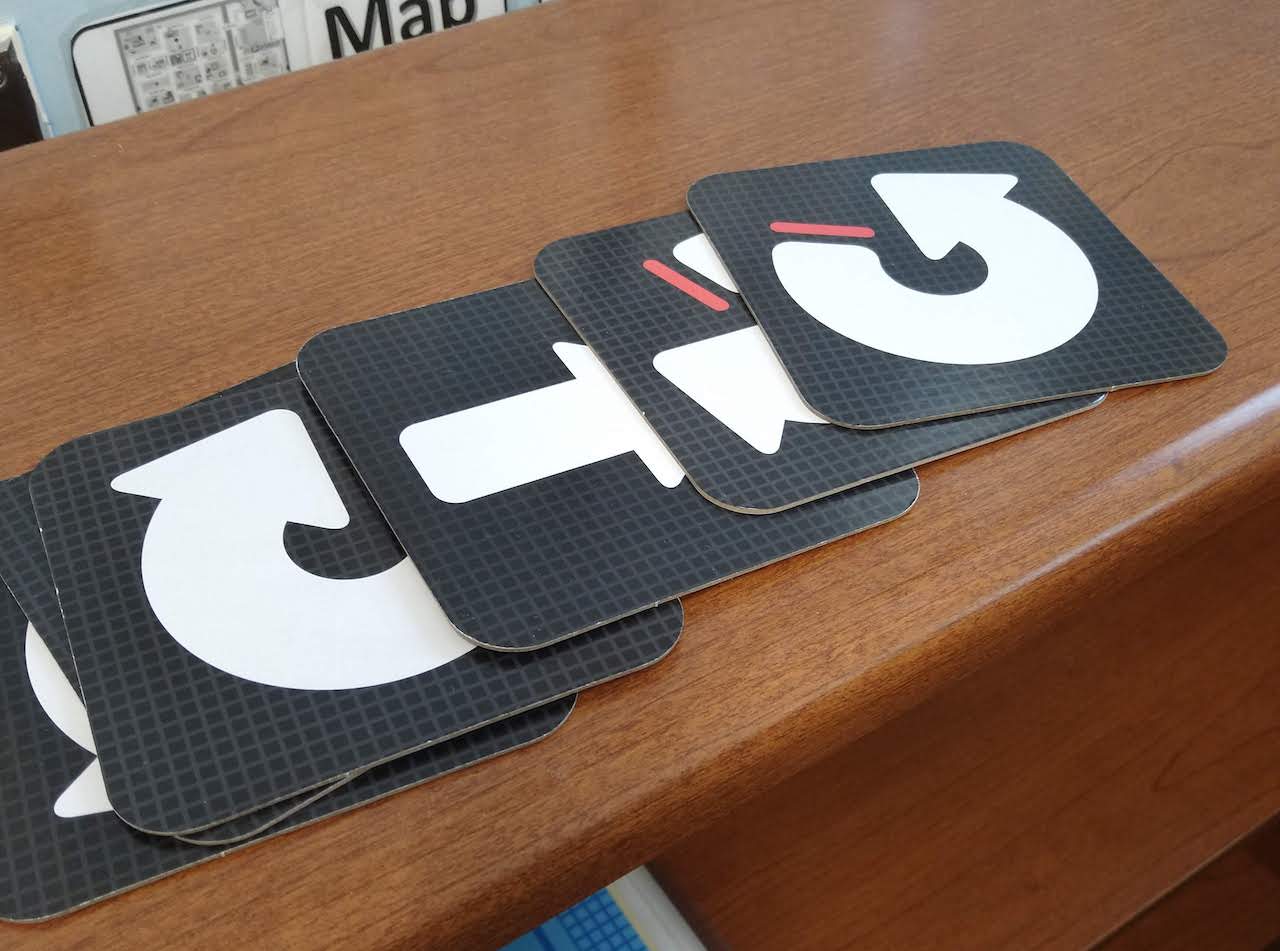
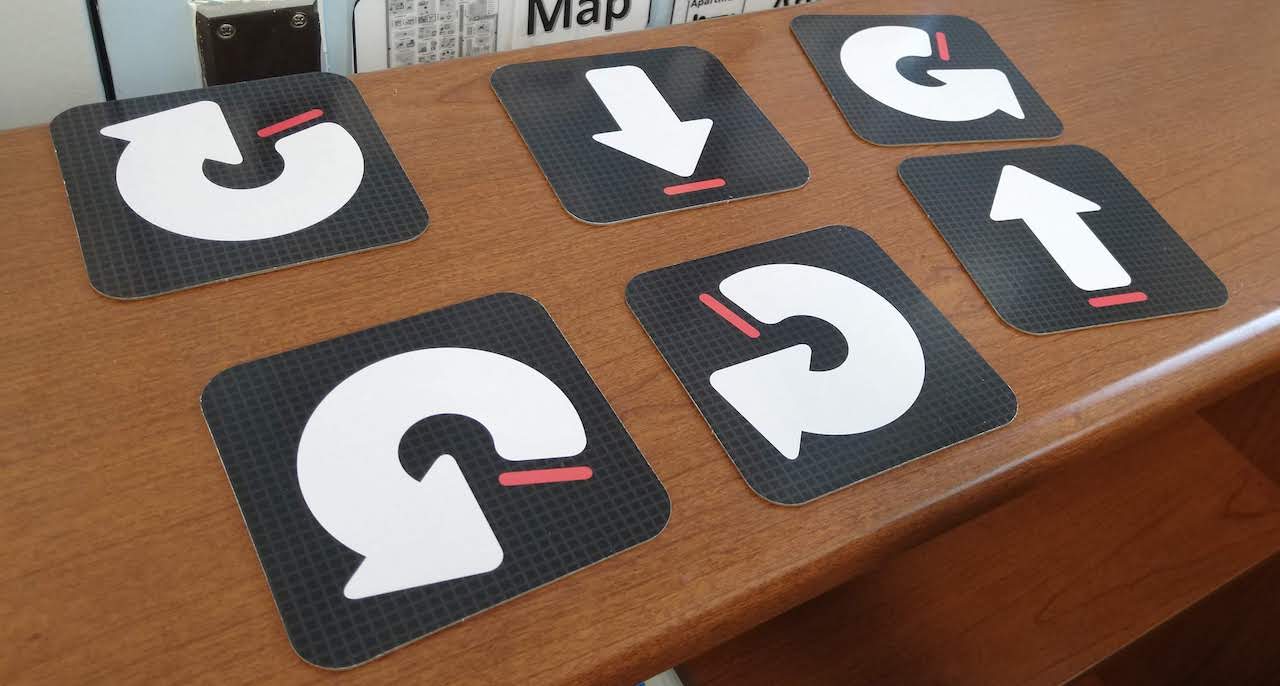
Learning Resources Let’s Go Code Activity Set is an off-screen coding activity. The kids are the robots who have to follow commands to jump across foam floor mats.


18 Sep 2023 Leave a comment
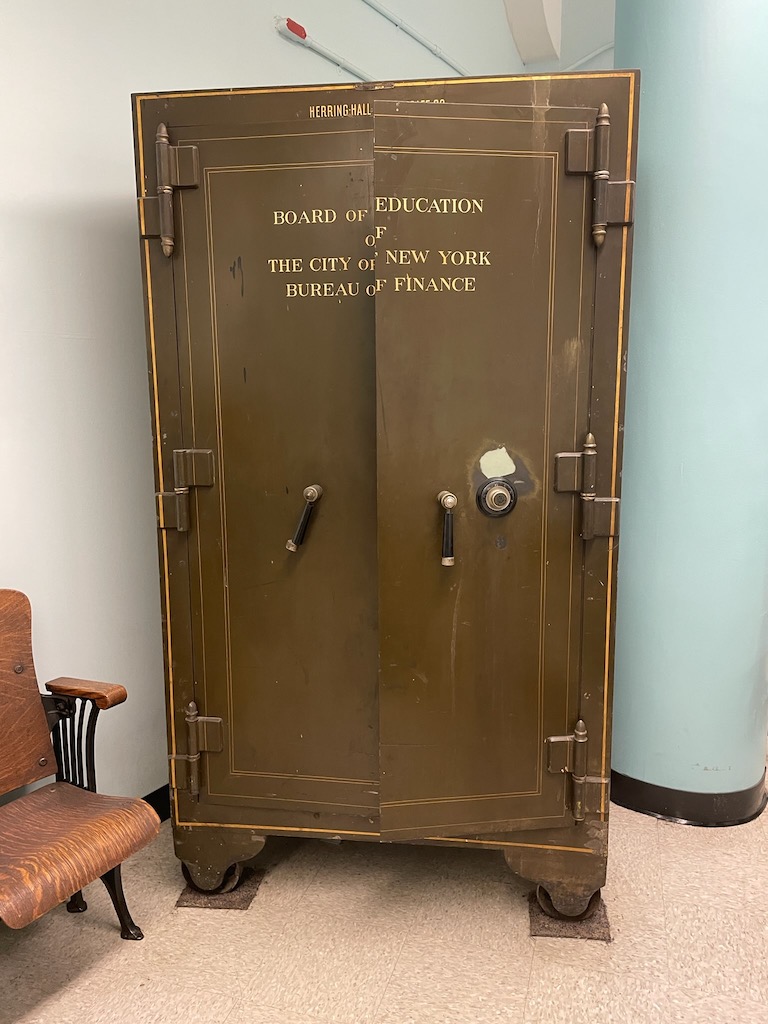 This is on display at Tweed courthouse in NYC, headquarters of the DOE. It looks like a sturdy locker. It reads “Board of Education of the City of New York Bureau of Finance” What do you think was in here? Staff payroll? Keys to the city? Gold bars?
08 Jun 2022 Leave a comment
The global Uniqlo clothing store has a SoHo branch (which is also the HQ for North American operations). They hired a dozen students from 751M to be interns Here are scenes from the clothing, I mean, closing event.
[Full disclosure: I was college roommates with Jean-Emmanuel Shein — the executive from Uniqlo who runs the internship program — and introduced him to Ewa Asterita, the principal of 751M, so I like to think that without me, the Uniqlo socks would not have gotten sorted in the correct light-to-dark order]
13 May 2022 Leave a comment

I brought the 3Doodler printing pens and the plastic filament; the students brought their imaginations and bubble-blowing skills!
The activity started with a demonstration of how the pens work, including how to feed the filament in, how to charge the pens, how to turn them on and off, and how to start and stop the extrusion.


Next, I drew a small rectangle on a piece of paper, to use as a template to trace over with the pen. The melted plastic sticks nicely to the paper, and cools in a couple of seconds, so it can be easily peeled off.


It was the students’ turn. They drew shapes on paper, chose three favorite colors of filament, turned on their pens, and pressed the orange button! The trick to getting the plastic to stay true to a design is to press the end of the pen right onto the paper.


Some students got the gist of it right away and started working on their bubble wands.


Other students designed their favorite characters…Sonic anyone?


The students made a variety of wands, some from their imaginations and some from screen shots of wand designs that I had printed from off the internet. 3Doodler has some great 2D and 3D bubble wand ideas.
Here are wands the students made:


The last step was to go outside to the school yard and test them out. I am happy to report that there was 100% success rate for the bubble wands. We used Five Below bubble solution ($1.00 for a big bottle!) and the kids had so much fun!


Thank you Bonnie Glass for these photographs.
11 Apr 2022 Leave a comment

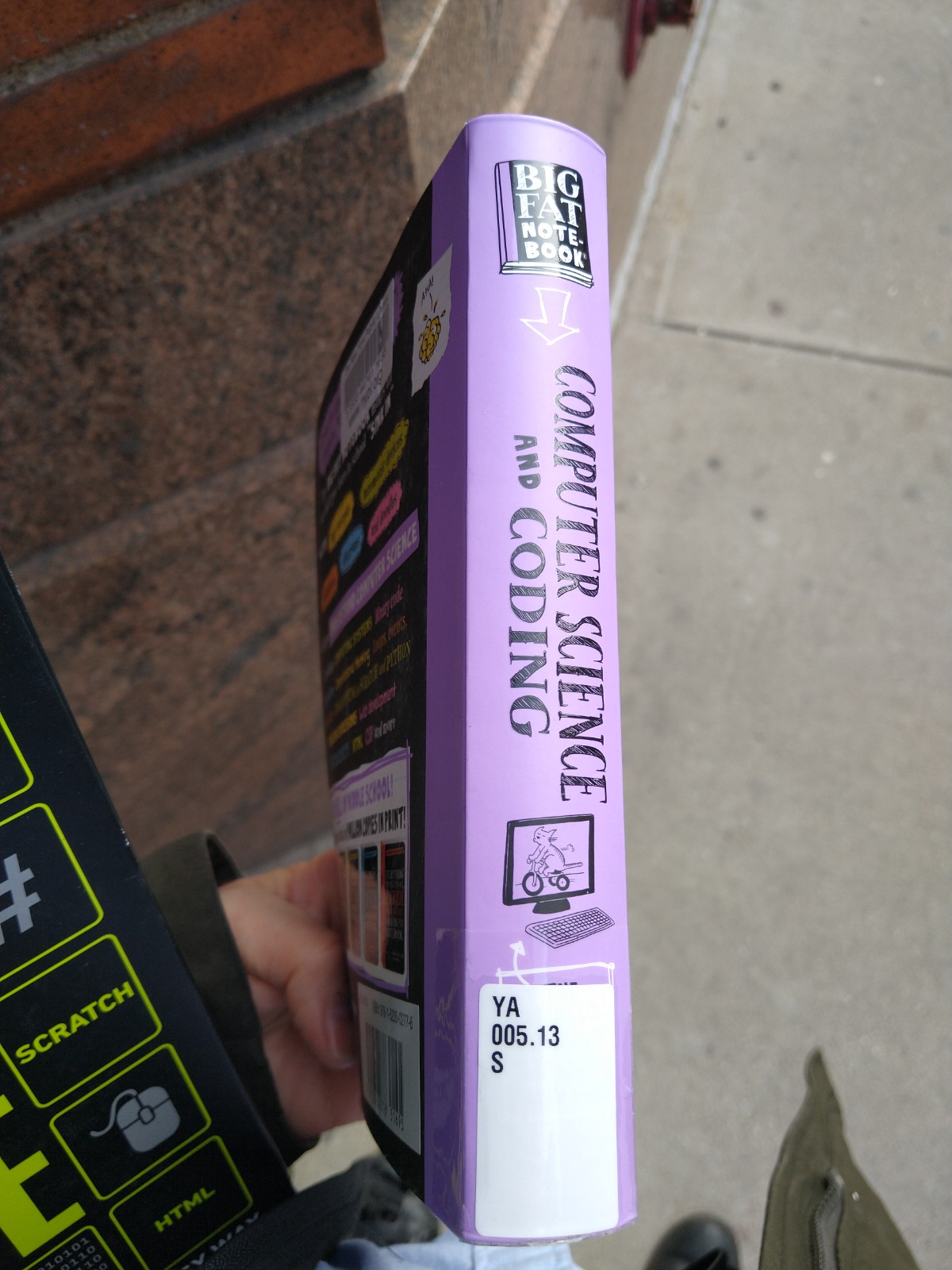
It bills itself as “The Complete Middle School Study Guide” and it does have a load of content.
Everything you need to ace computer science and coding in one big fat notebook is a fat book full of color drawings that covers coding concepts and computer languages.
I used it to teach Scratch. I like how it explains the coordinate plane, because not ever student knows what the numbers in the move blocks mean.


I also learned about the scratch backpack, on area on the bottom of the scratch page that you can use to save scripts to reuse with other sprites (characters) or other projects. Students must have an individual Scratch account to use the backpack feature, fyi.

The book has a unit on universal coding commands, such as loops, conditionals, and variables, that I found confusing and not helpful.

11 Apr 2022 Leave a comment

This is the first post in a series about useful computer coding books that are age-appropriate for middle schoolers, as well as students with disabilities.
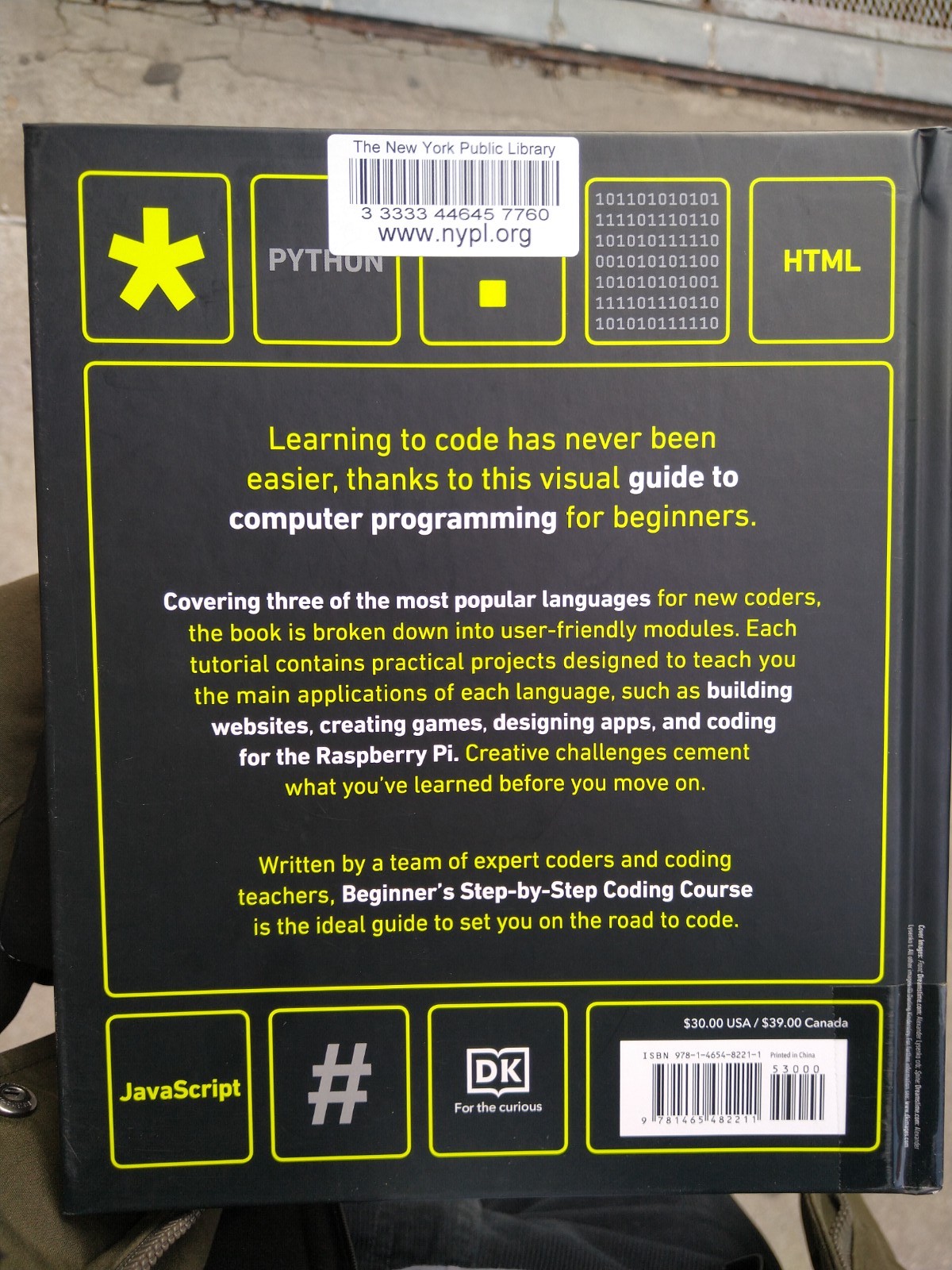
DK Publishers Beginners Ste-by-step Coding Course
This book helped me teach students computer science. I found it at the New York Public Library, browsing through the shelves in the YA section.
What I like is that it covered Scratch, which is what I did with some of the classes. Although there was not enough time/cognitive ability (on my part, anyway) to do python, javascript or html/css, nevertheless it was there for the learning (I actually do know html, and a small amount of css).
Add excellent graphics and simple explanations, and what more could a teacher want to use to teach students?
Dorling Kindersley (DK) graphics are the BEST!

 Occasional Observations of Traveling Technology Coach